Skip to content

FocusfyStay focused, one session at a time

A Pomodoro-style focus timer that lives in your toolbar, keeps you company with a pet, and tracks your progress per day.

Focusfy ​

Focusfy helps you work in focused sprints using the classic Pomodoro loop of focus sessions and breaks. The countdown is always visible on your toolbar icon, a session tab tells you what to do next, and your completed sessions are recorded so you can see your progress over time.
What Focusfy Does ​

  • Runs a focus timer that you configure (25 minutes by default).
  • Shows the minutes remaining on the toolbar icon while a session runs.
  • Opens a session tab when a phase ends, offering the next action.
  • Offers a break timer (5 minutes by default).
  • Plays a short sound on phase changes (optional).
  • Records completed focus sessions per day and shows them on a statistics page.
  • Offers optional AI insights on the statistics page when your browser supports Chrome's built-in AI.
  • Keeps you company with a cat or dog you can choose in settings.

See It in Action ​

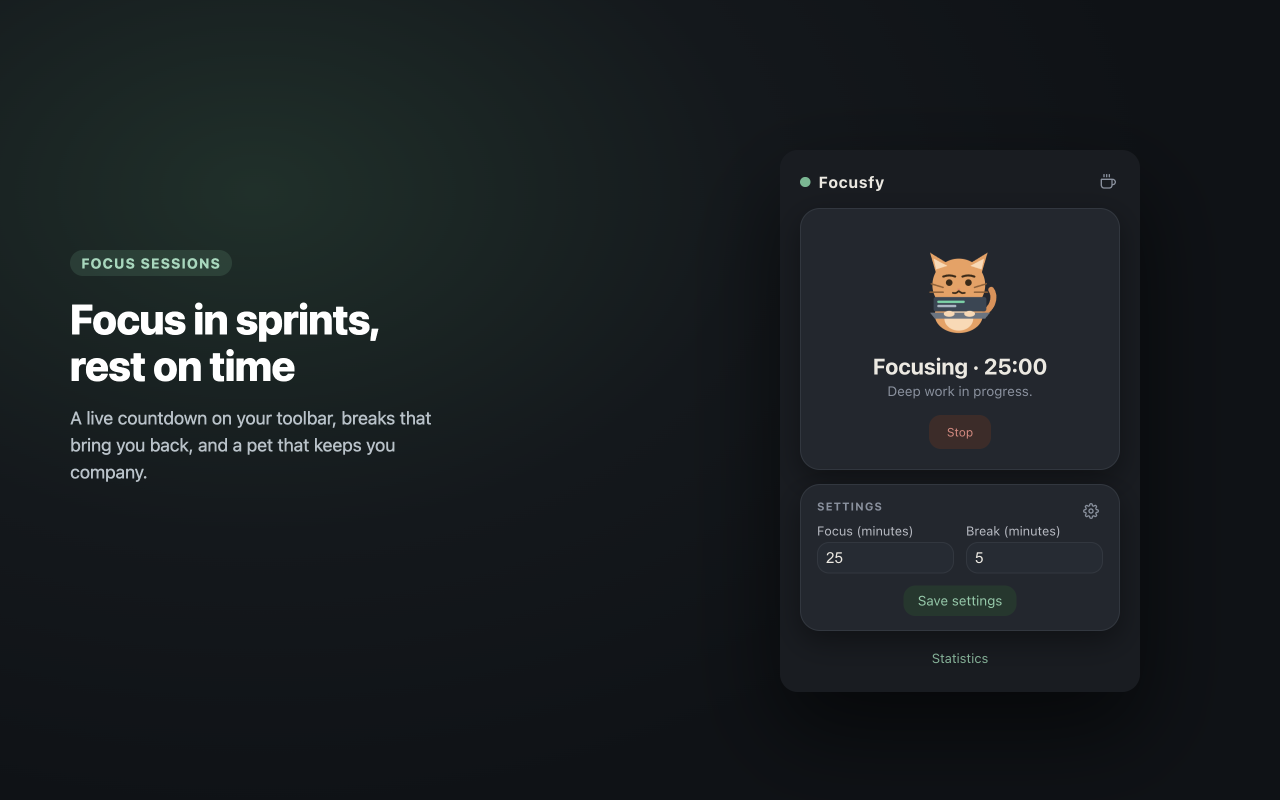
The Focusfy popup while focusing

The popup shows your pet, the current phase and the live countdown.
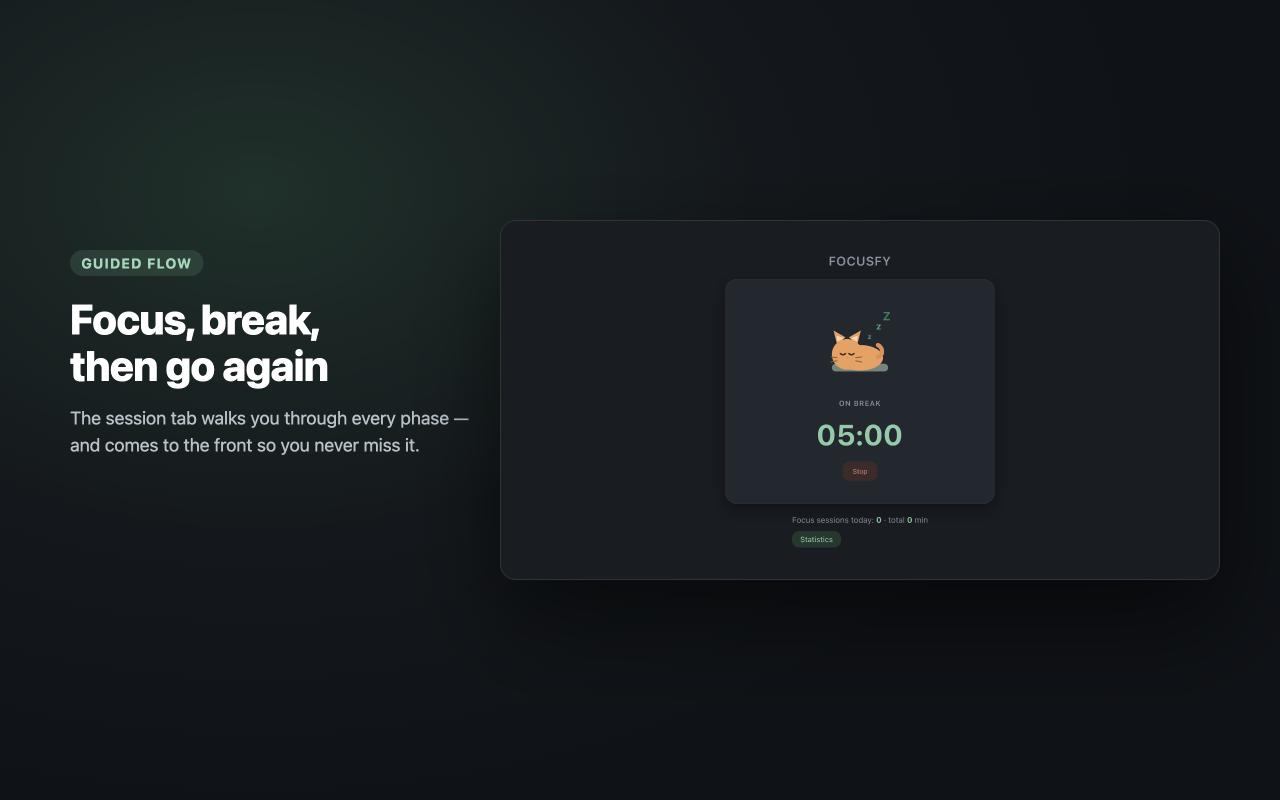
The session tab on a break

The session tab guides the focus → break → focus loop.
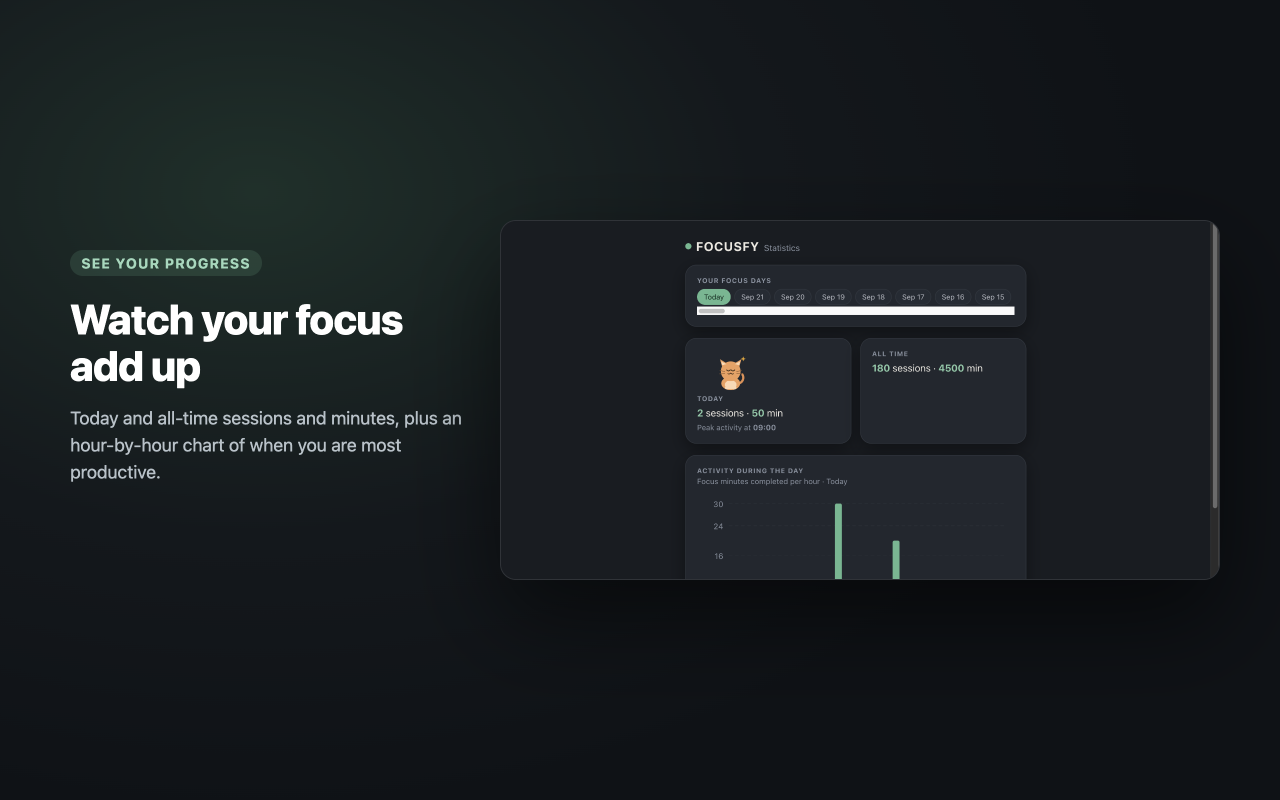
The statistics page

Statistics: browse the days you focused on, your all-time totals, and an hour-by-hour activity chart.
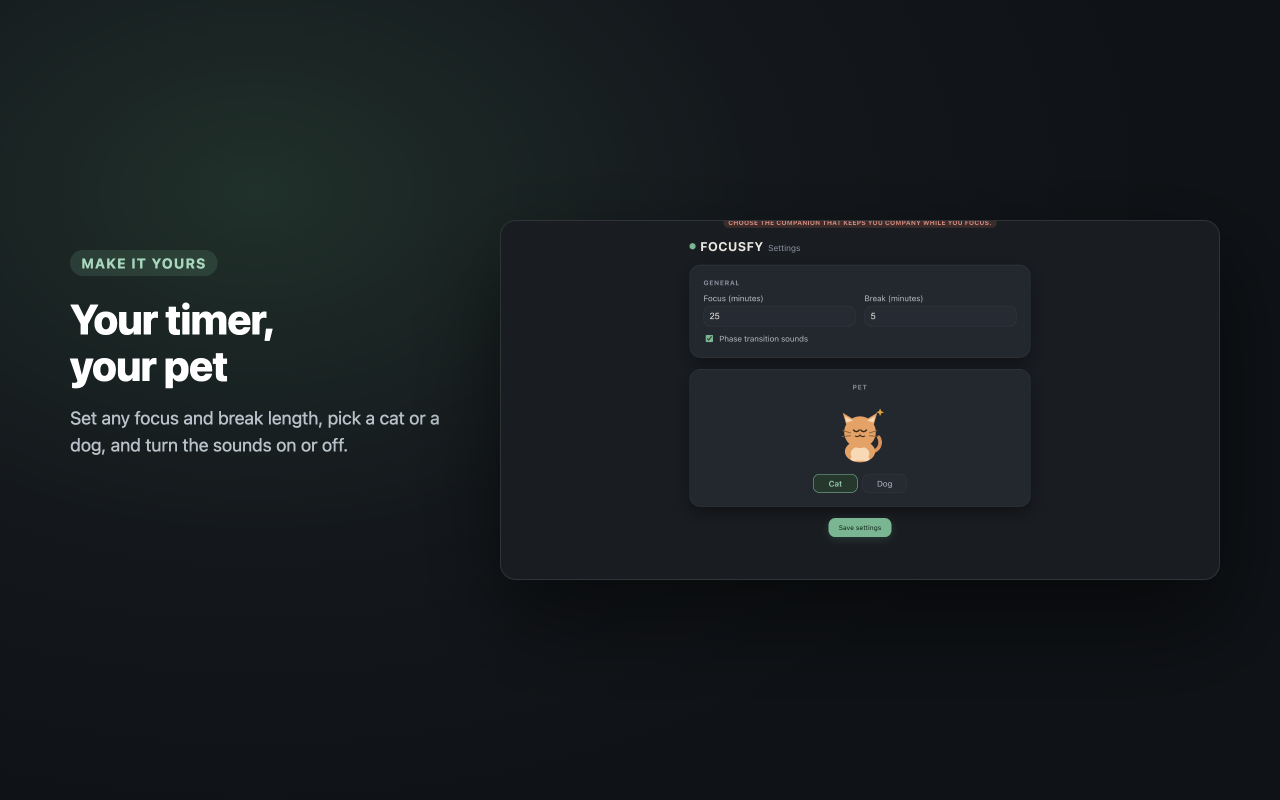
The settings page

Settings: focus and break minutes, your pet, and sounds.

Quick Start ​

  1. Click the Focusfy icon in your toolbar.
  2. Set your Focus minutes (or keep the default of 25).
  3. Click Start focusing.
  4. Keep the extension icon in view — it counts down the minutes.
  5. When the timer ends, a tab opens with a Start break button.

Next Steps ​

  • How To Use — the full focus → break → focus loop
  • Settings — minutes, pet, and sounds
  • Statistics — your daily and all-time progress
  • FAQ — common questions and troubleshooting