
Focusfy
A Pomodoro-style focus timer with a countdown on your toolbar icon, a friendly pet, and per-day focus statistics.
Open-source extensions to enhance your browser productivity
A Pomodoro-style focus timer with a countdown on your toolbar icon, a friendly pet, and per-day focus statistics.

Export Trello boards to Excel files with a single click. Perfect for data analysis and offline access.
Welcome to our collection of open-source Chrome extensions! Each extension is designed to solve specific productivity challenges while respecting your privacy.
A Pomodoro-style focus timer that helps you work in focused sprints:
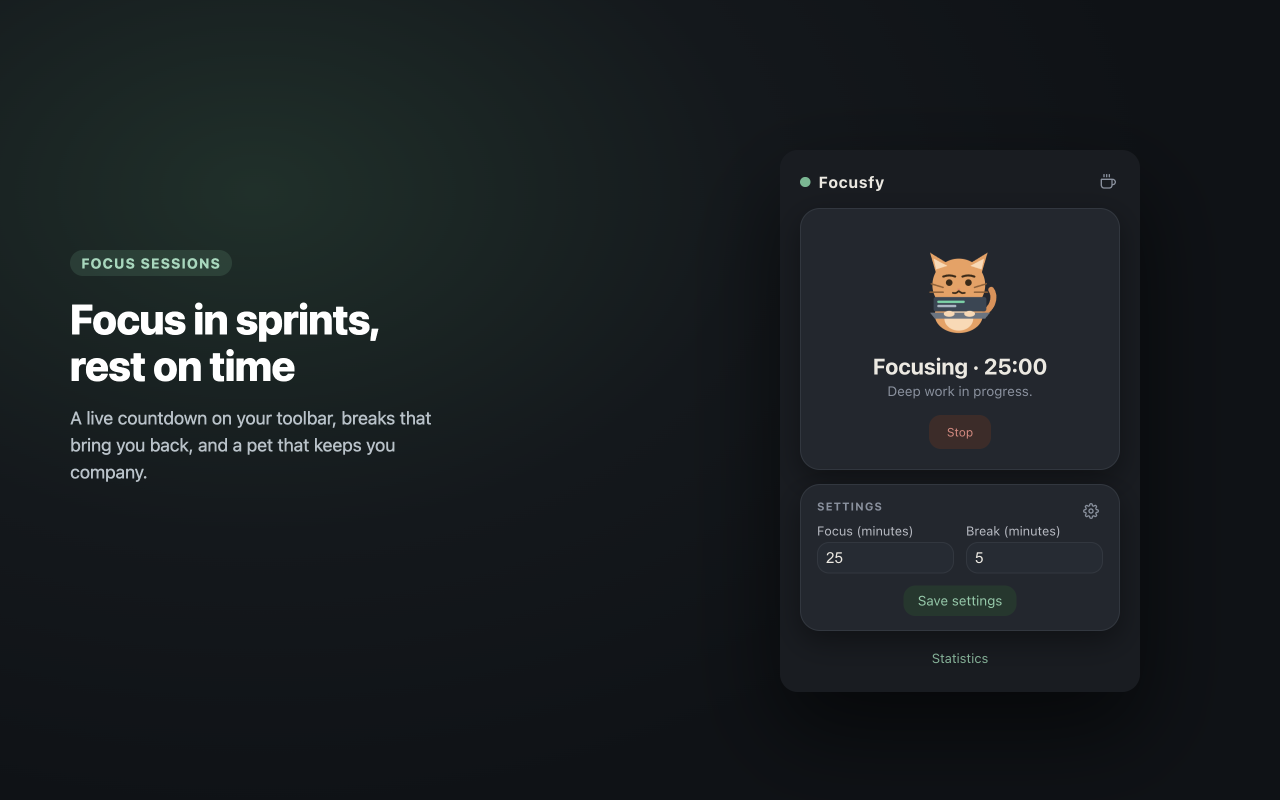
Get started: View Focusfy Documentation
Export Trello boards directly to Excel files. (This extension was formerly called Trello to Excel — same extension, new name.) Perfect for:
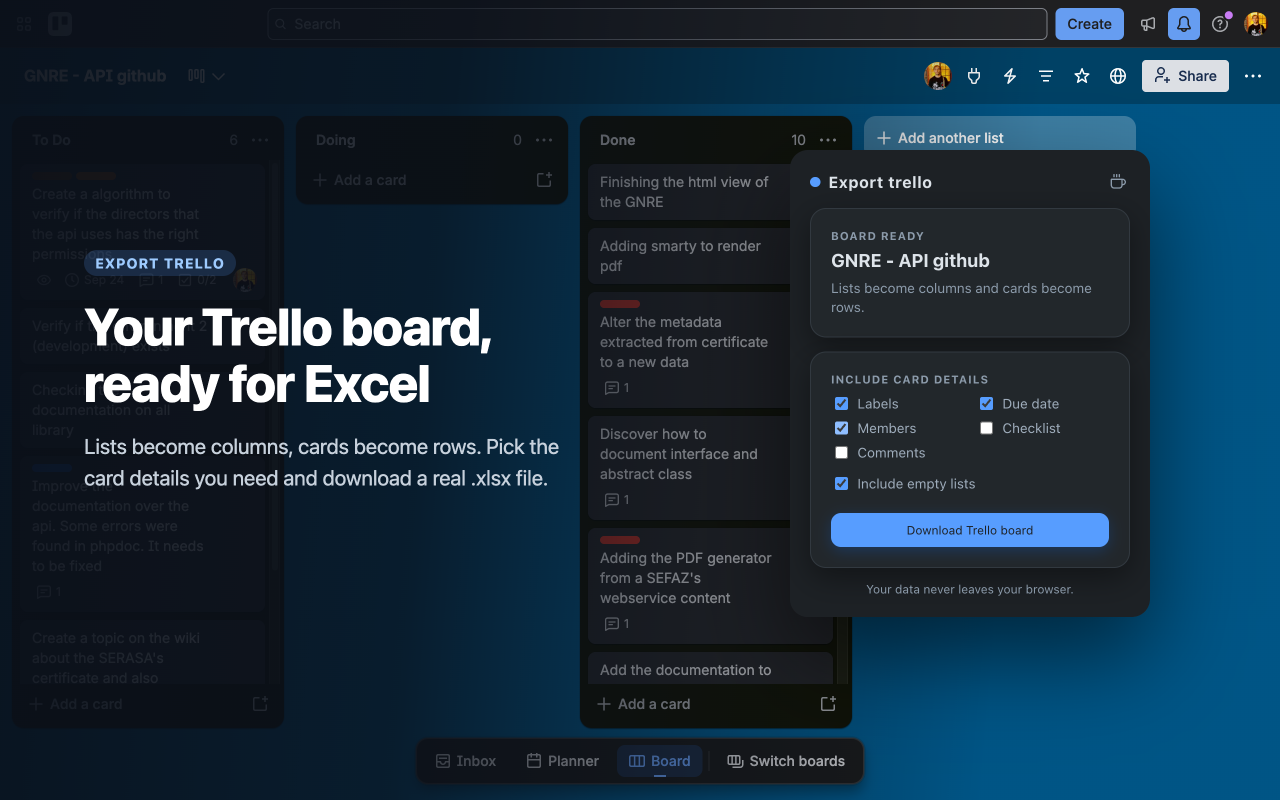
Get started: View Export trello Documentation
All extensions are available on the Chrome Web Store and can be installed with a single click. Visit the GitHub repository for the latest development version and source code.
Every extension in this collection runs entirely in your browser. There is no account, no analytics, and no network access — your data stays on your computer.