Board-Aware UI
The popup shows the board it found and offers the export button only when the current tab is a Trello board (trello.com/b/...).
A Chrome extension that reads your Trello board and downloads a file with lists as columns and cards as rows.
Renamed
Export trello used to be called Trello to Excel. It is the same extension, made by the same author — only the name and icon changed. Everything you read about "Trello to Excel" still applies.
Export trello helps you export data from the Trello board that is currently open in your browser tab.
When you click the export button:
.xlsx) or CSV (.csv).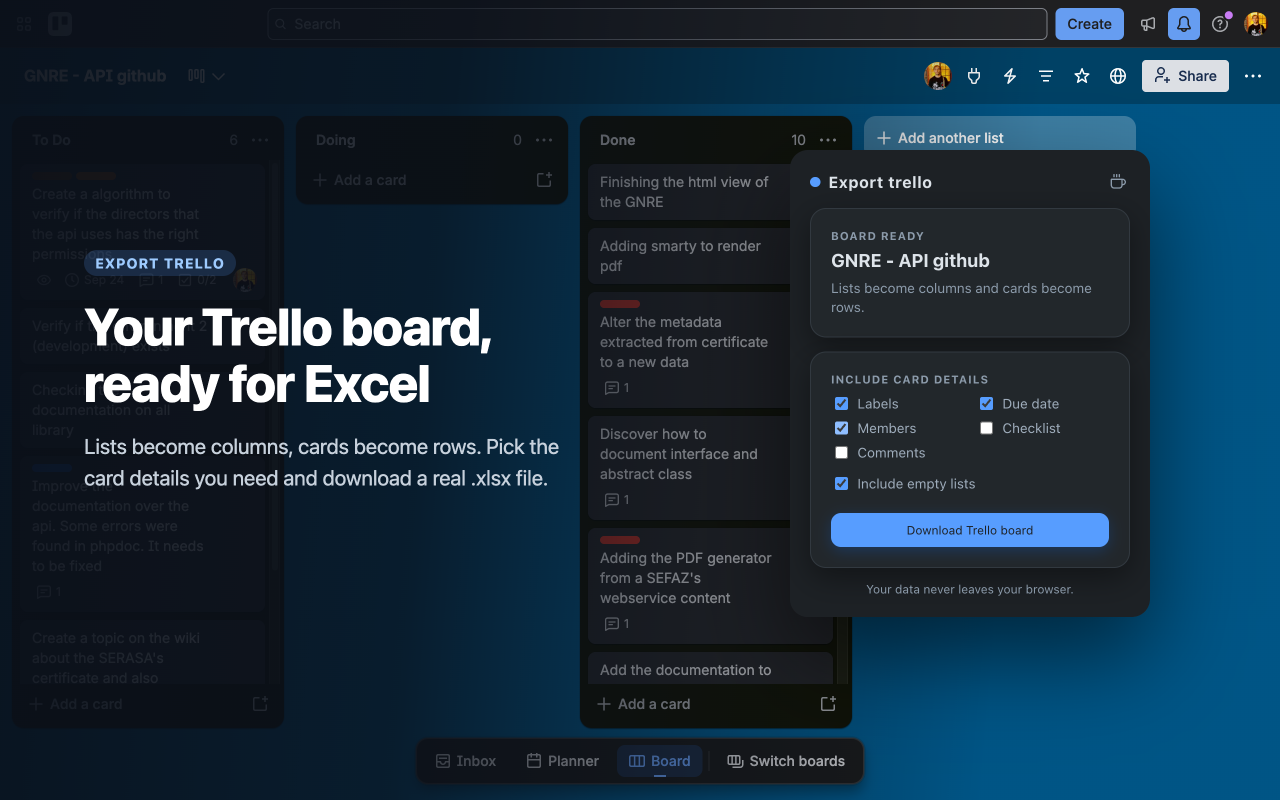
The popup shows the board it found and the details you can include.
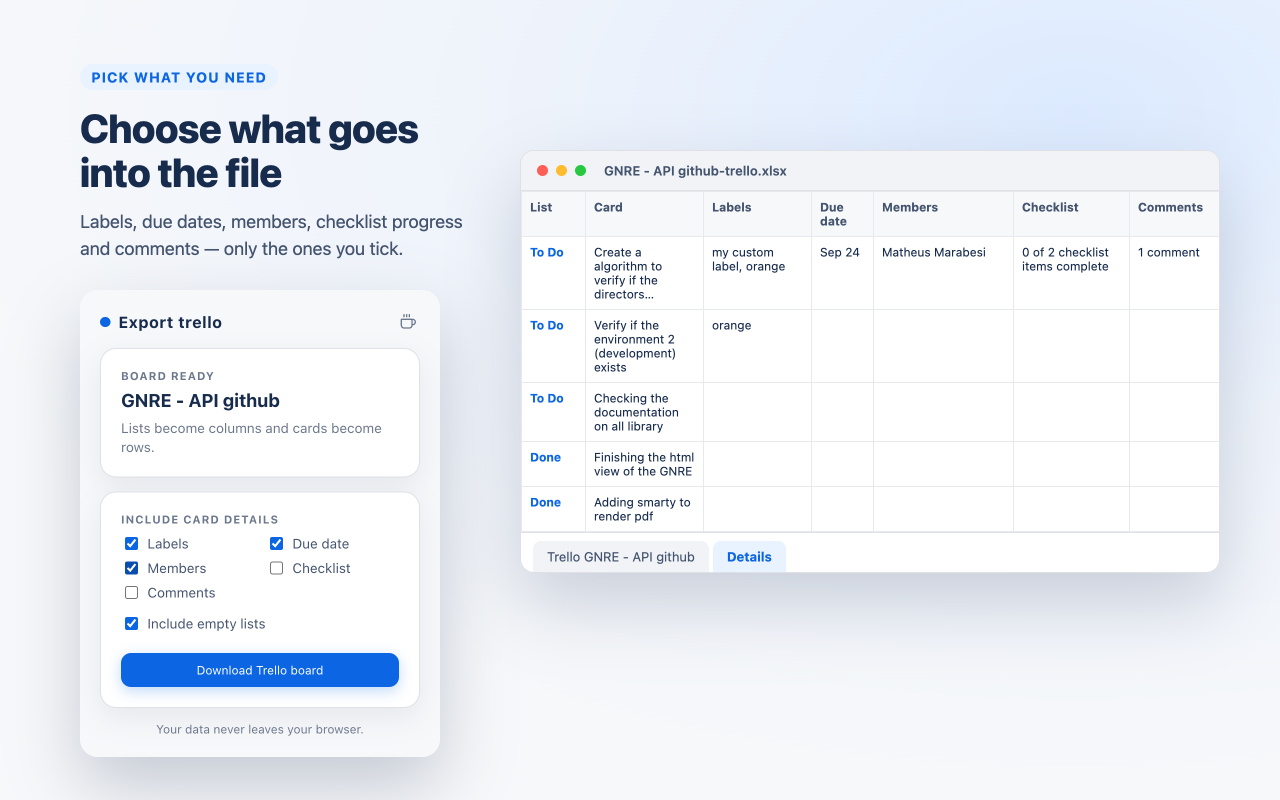
Tick the details you need and they are written to a second "Details" sheet.

Everything happens on your computer — nothing is uploaded.
https://trello.com/b/....