Features
Software Metrics Machine (SMM) offers multiple ways to analyze and visualize engineering metrics.
Dashboard
To see the dashboard, you first need to start it with the following command:
bash
smm dashboard serveThe command will hang the terminal and start a local server on port 3000.
Accessing the Dashboard
The dashboard, is available under the local url http://localhost:3000 in your web browser.
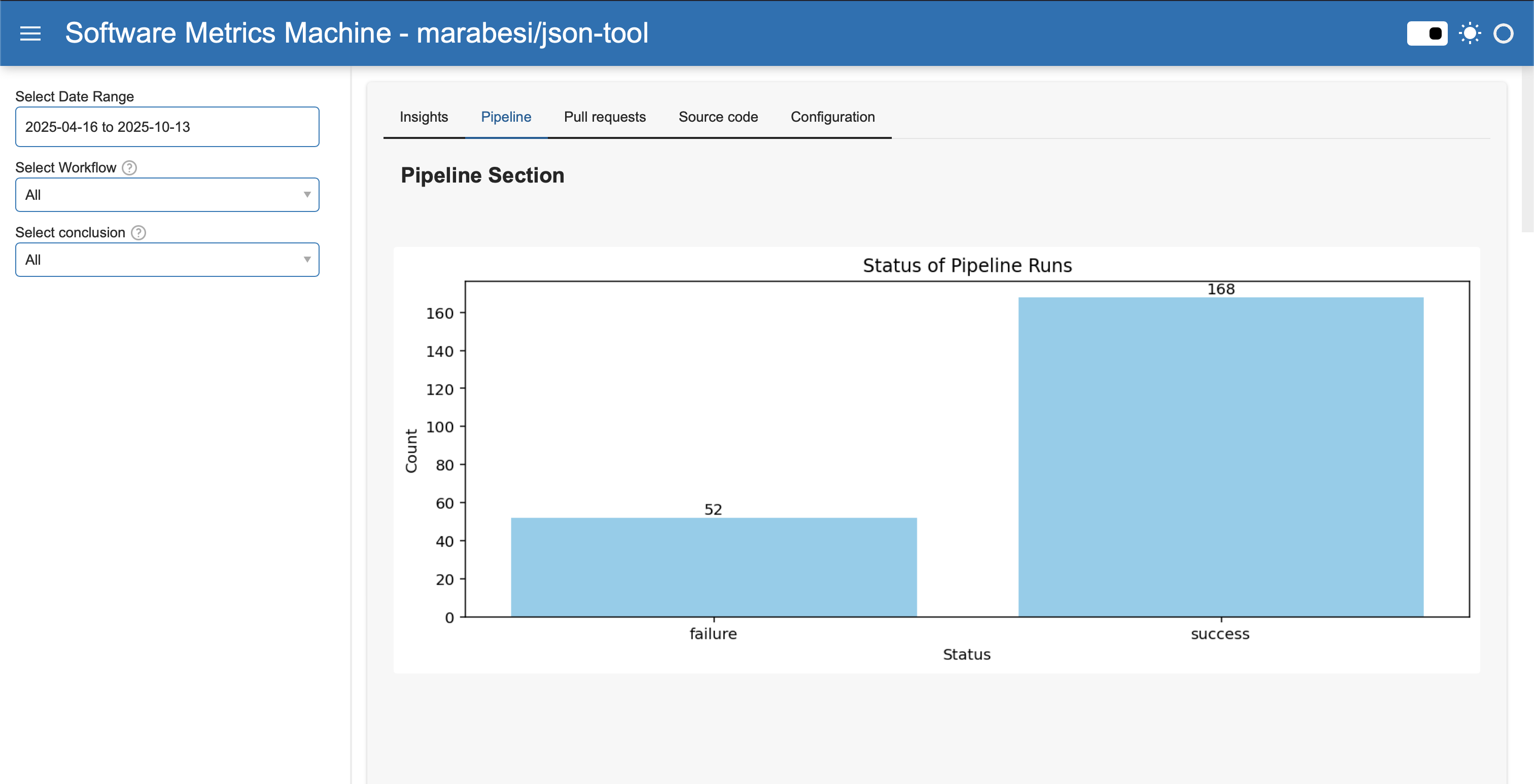
The dashboard provides the following features:
- Data Visualization: View your data in various formats such as tables, charts, and graphs.
- Filtering and Sorting: Easily filter and sort your data to find specific information.
- Cross-domain Insights: PRs, pipelines, source code, and SonarQube.
CLI
For CLI access, run:
bash
smmMain command groups:
smm prssmm pipelinessmm codesmm jirasmm sonarqubesmm dashboardsmm toolssmm health-check
REST API
SMM provides a REST API for integrations and automation.
Start REST API with:
bash
smm dashboard serveSwagger docs are available at http://localhost:3000/api/docs by default.
See REST API for endpoint overview.
Explore
Each feature has its own page: